Start with the original file
Send the full-size photo from your phone gallery rather than a screenshot, a social-media download or a forwarded thumbnail. A sharp original preserves details around the eyes, hair and hands that a smaller copy may lose.
Keep an untouched copy. Avoid beauty filters, stickers, heavy sharpening and portrait blur that cuts into hair. If the only photo you have is already compressed, ask us to check it before you book.
Look for a clear face and even light
Zoom in on the face in your gallery. The eyes, nose and mouth should be recognisable rather than smeared by motion or noise. Choose an image without strong shadows across half the face or bright highlights that erase skin detail.
An existing daylight photo often works well. You do not need a professional camera or a new session just to place an order. The important thing is visible detail, not an expensive device.
Leave room around the subject
A photo that includes the whole head and the body area you want in the final portrait gives the editor more room to work. Cropped hands, a hidden cheek or an object covering the face cannot always be reconstructed faithfully.
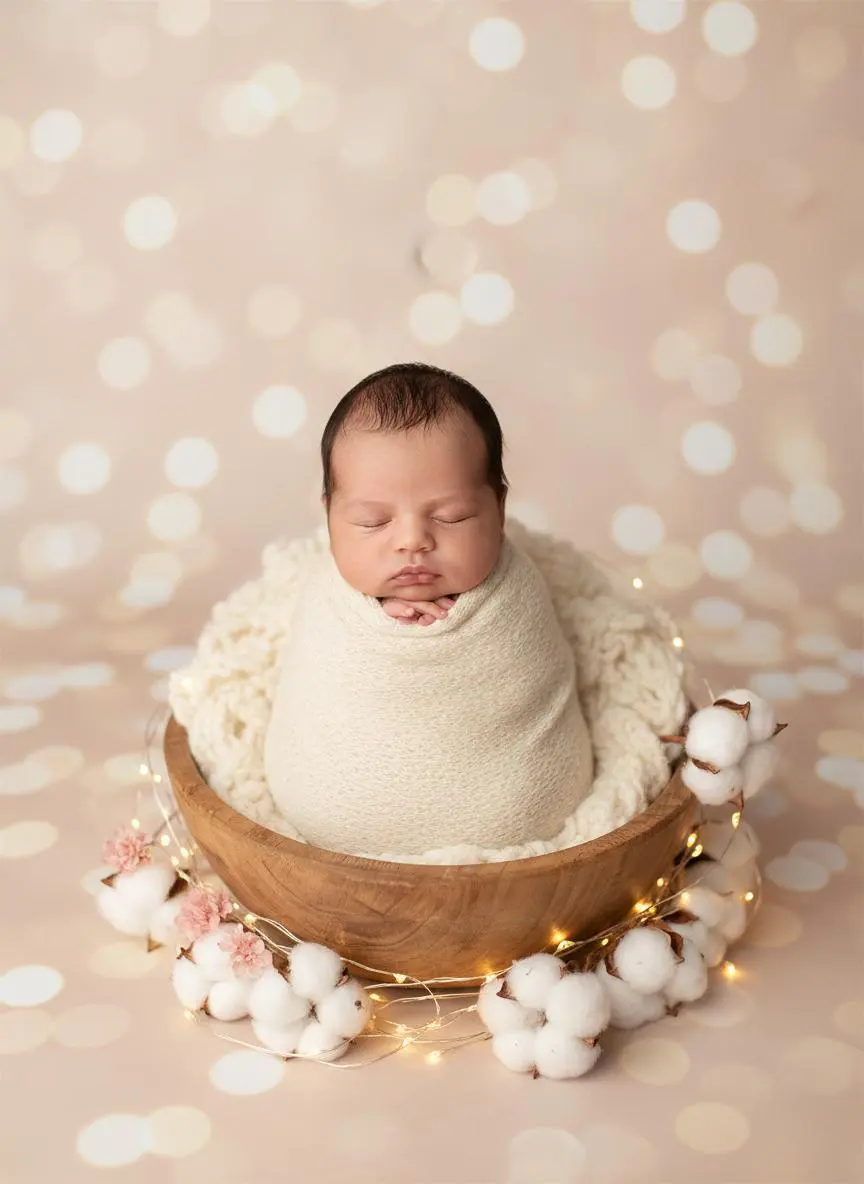
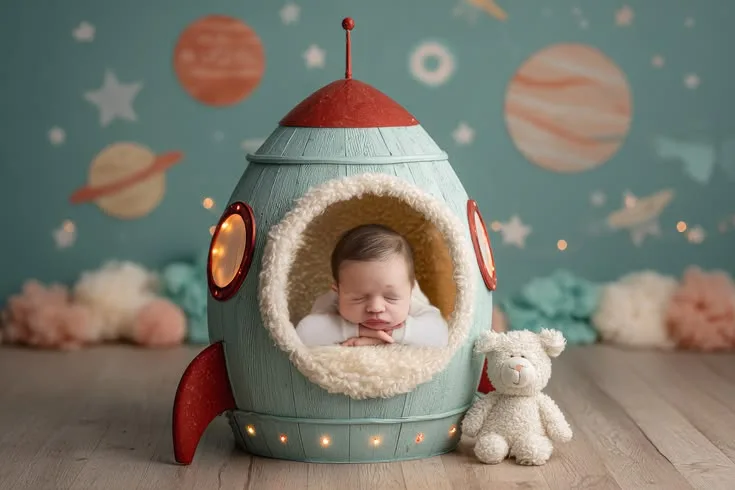
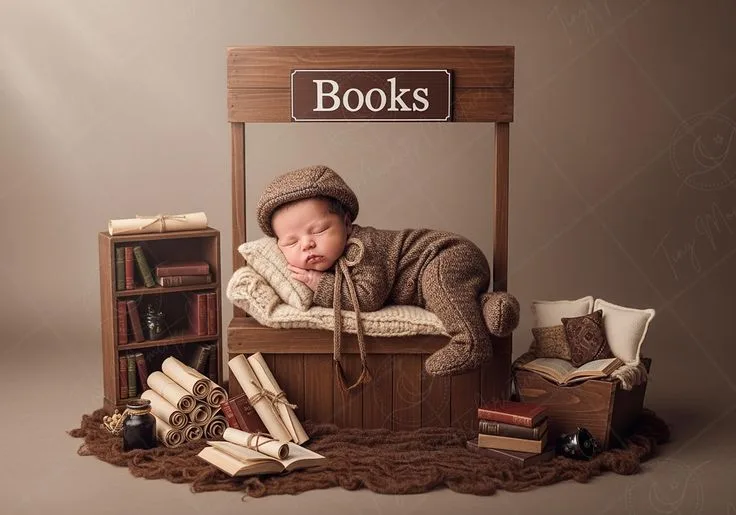
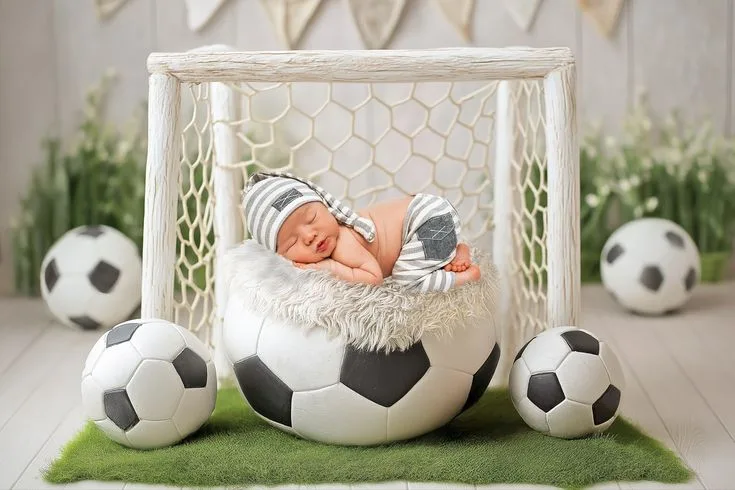
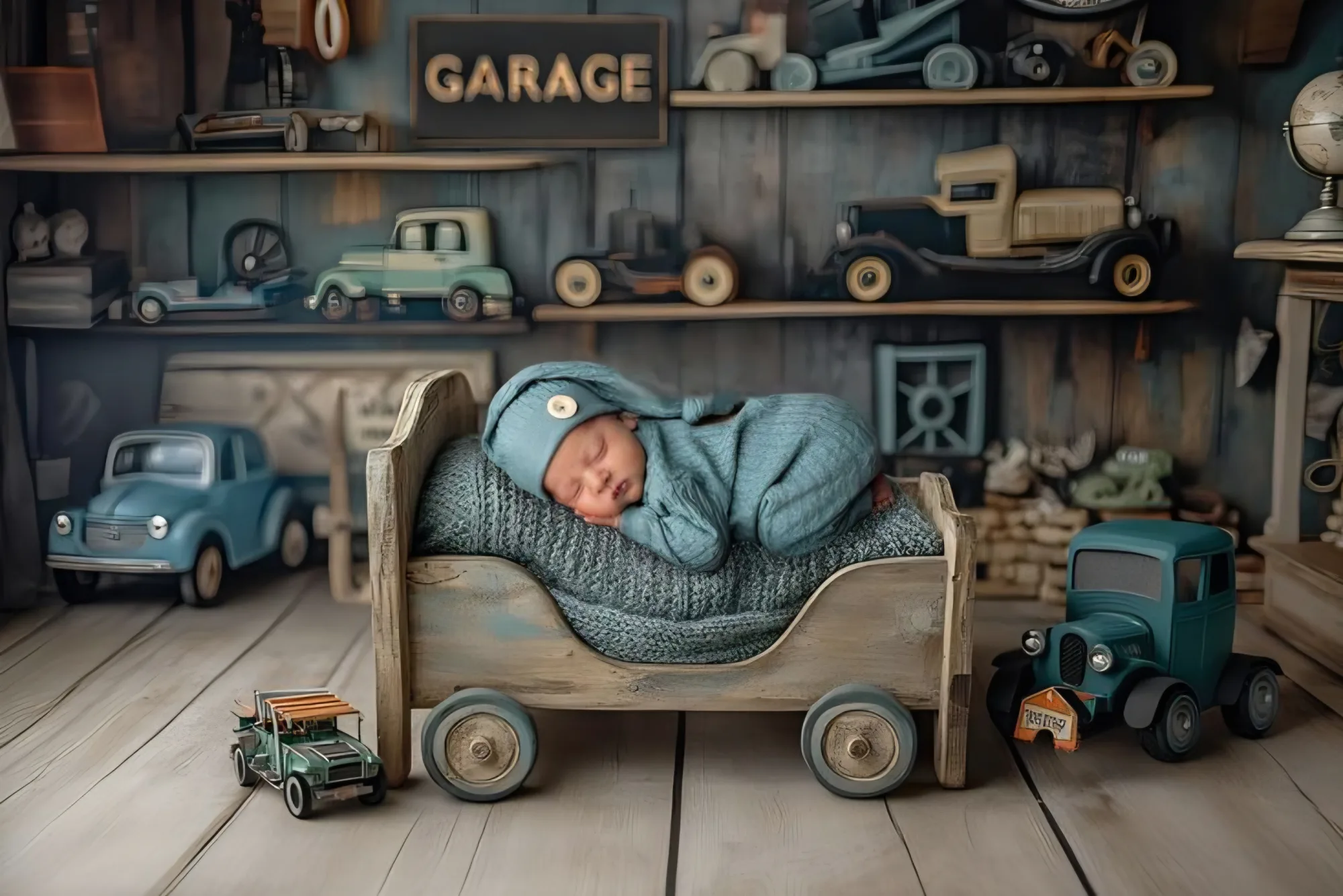
You do not need to recreate the example's pose or props. Tell us which expression you want to keep and let us check whether the source photo suits the chosen scene.
Send a clear editing brief
Share your chosen theme, preferred expression and any text such as a name, date or month number. For several edits, say which source photo belongs to which theme.
Look carefully at the face, hands, added text and background in the protected preview. Request changes within your package's revision allowance before approving final delivery. Blurry input cannot be promised a perfect likeness.